
 3 years ago
1
3 years ago
1
ARTICLE AD BOX

I had been considering buying a smart security system for a while when, coincidentally, MiRO sent us one from Tapo to review.
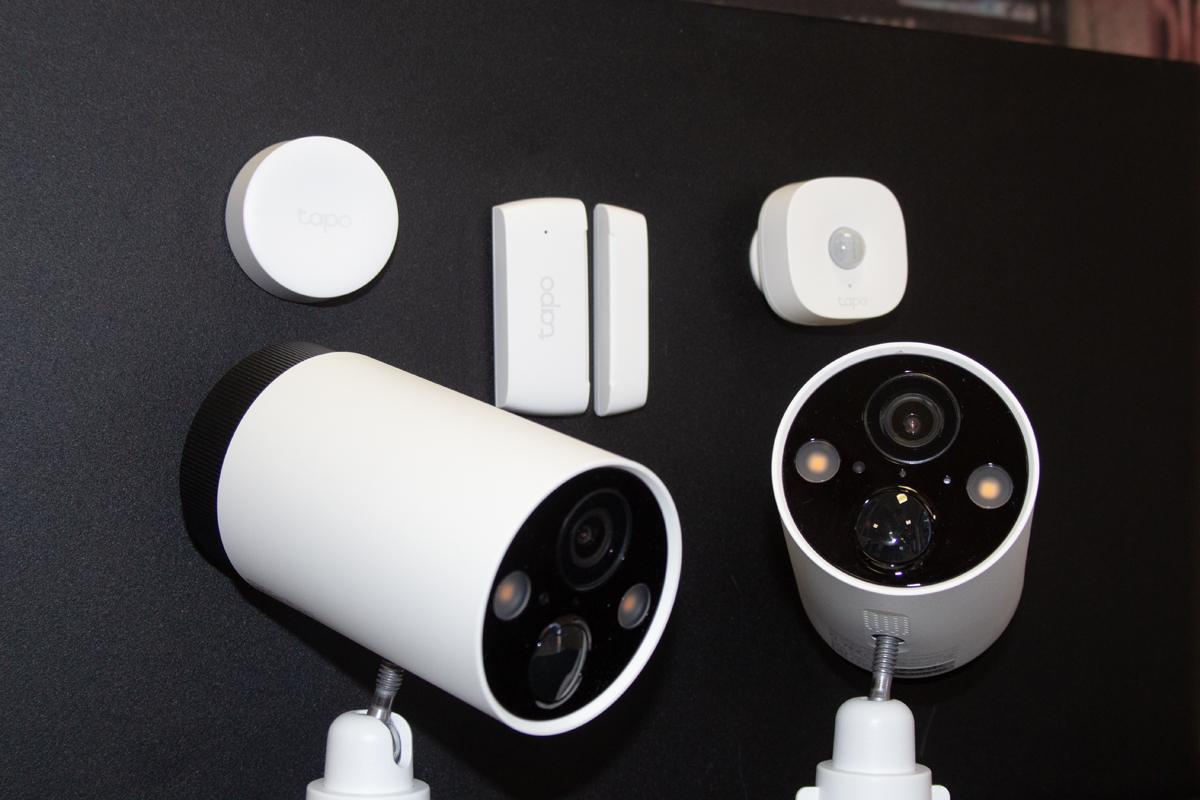
Tapo is a TP-Link brand that offers a range of smart security devices – and we got to test the following:
- Tapo C420S2 – Smart Wire-Free Security Camera System
- Tapo H100 – Smart Hub with Chime
- Tapo S200B – Smart Button
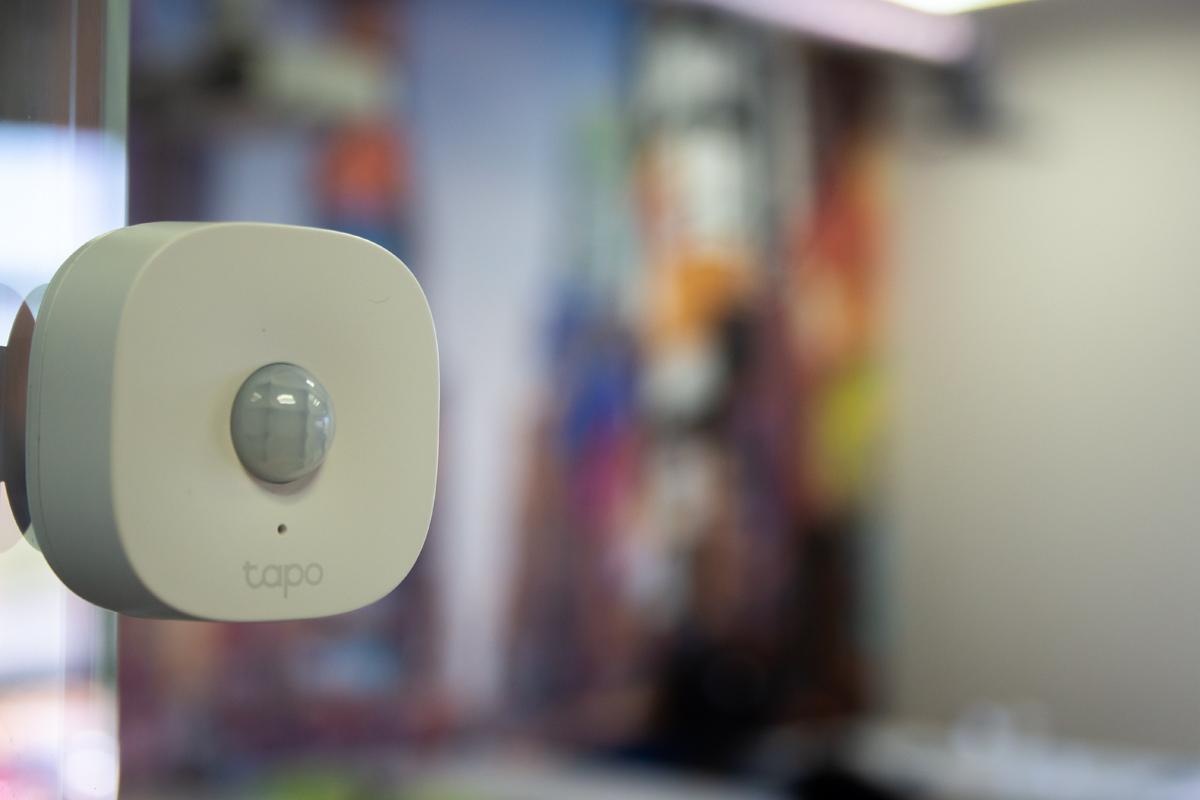
- Tapo T100 – Smart Motion Sensor
- Tapo T110 – Smart Contact Sensor
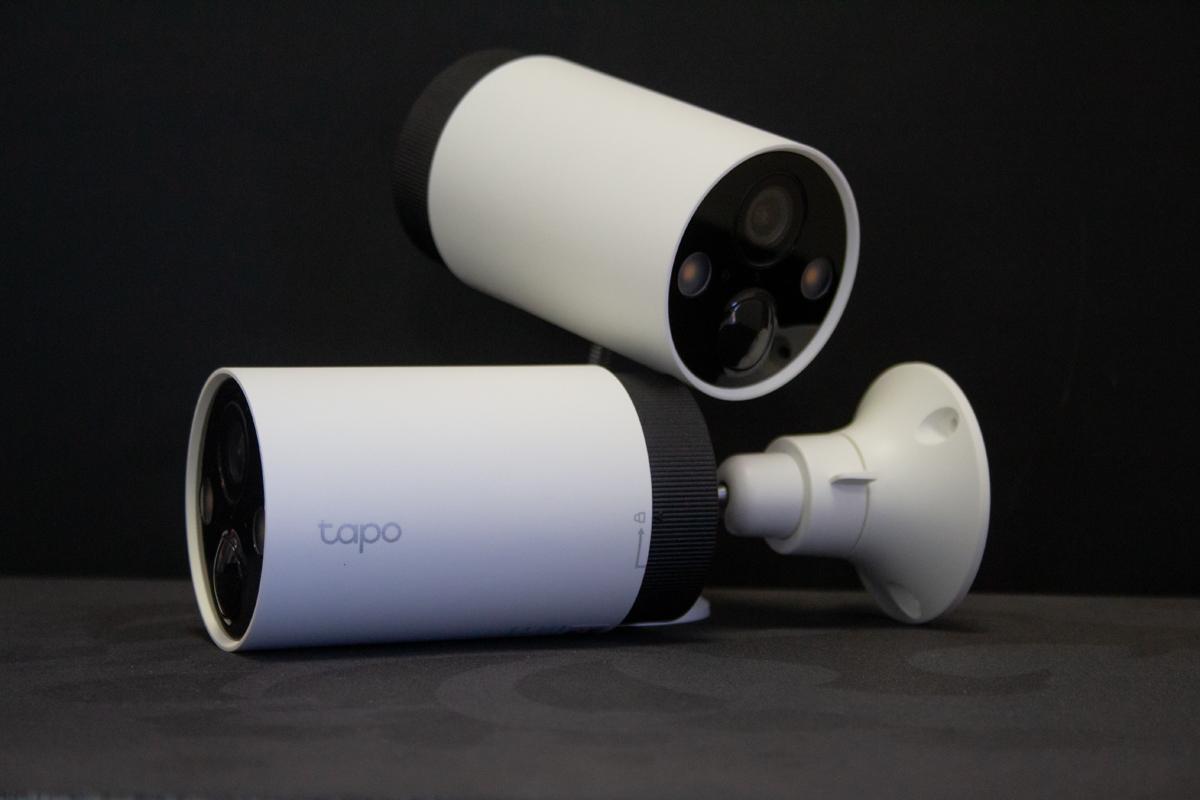
The C420S2 smart surveillance system features two Tapo C420 cameras and a Tapo H200 hub, which were easy to set up.
All we had to do was connect our H200 hub to our router via ethernet, switch the cameras on by inserting their batteries, and download the Tapo app to get the devices to “talk” to each other.
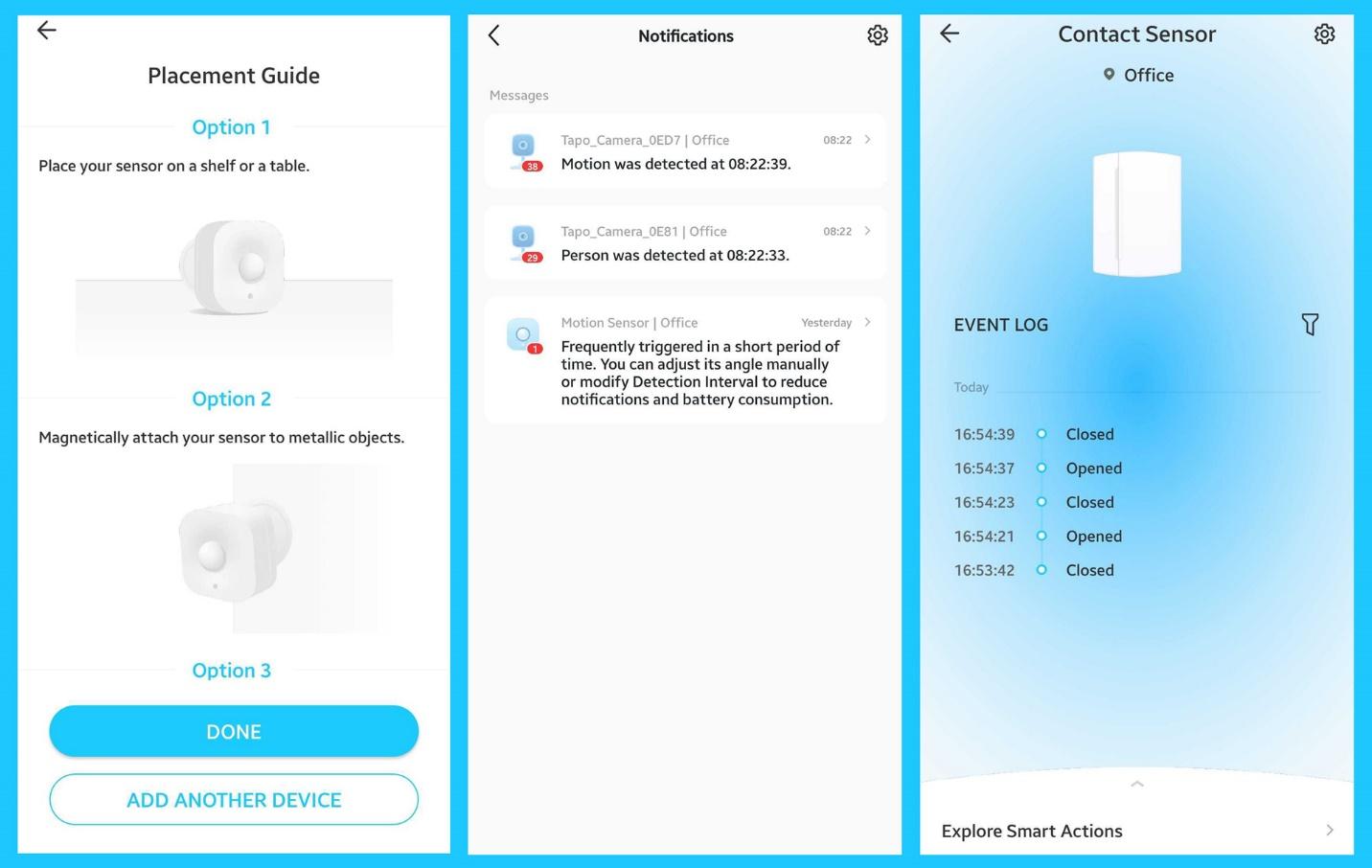
The Tapo app detected each device and allowed us to set up and manage them.
The process was similar for the various sensors, which we synchronised to our Tapo H100 hub using the same app.

Tapo smart cameras
The Tapo C420 smart cameras use a wireless design and are powered by large rechargeable (and removable) batteries, which last for up to an astonishing 180 days.
We cannot overstate how much easier the wire-free design made things for us positioning the cameras.
Rather than spending hours in ceilings running cables, we simply moved our cameras around while watching the live feed on the Tapo app – allowing us to find the perfect mounting location.
Once our cameras were mounted to a wall, their swivel mounts allowed us to angle them perfectly so we could frame the exact area we wanted to monitor.
We were also able to set exclusion zones within each feed or activate privacy mode, which disabled streaming and recording completely.
For our test, we set one camera up inside, and, thanks to its IP65 waterproof and dustproof rating, we placed the other one outside.
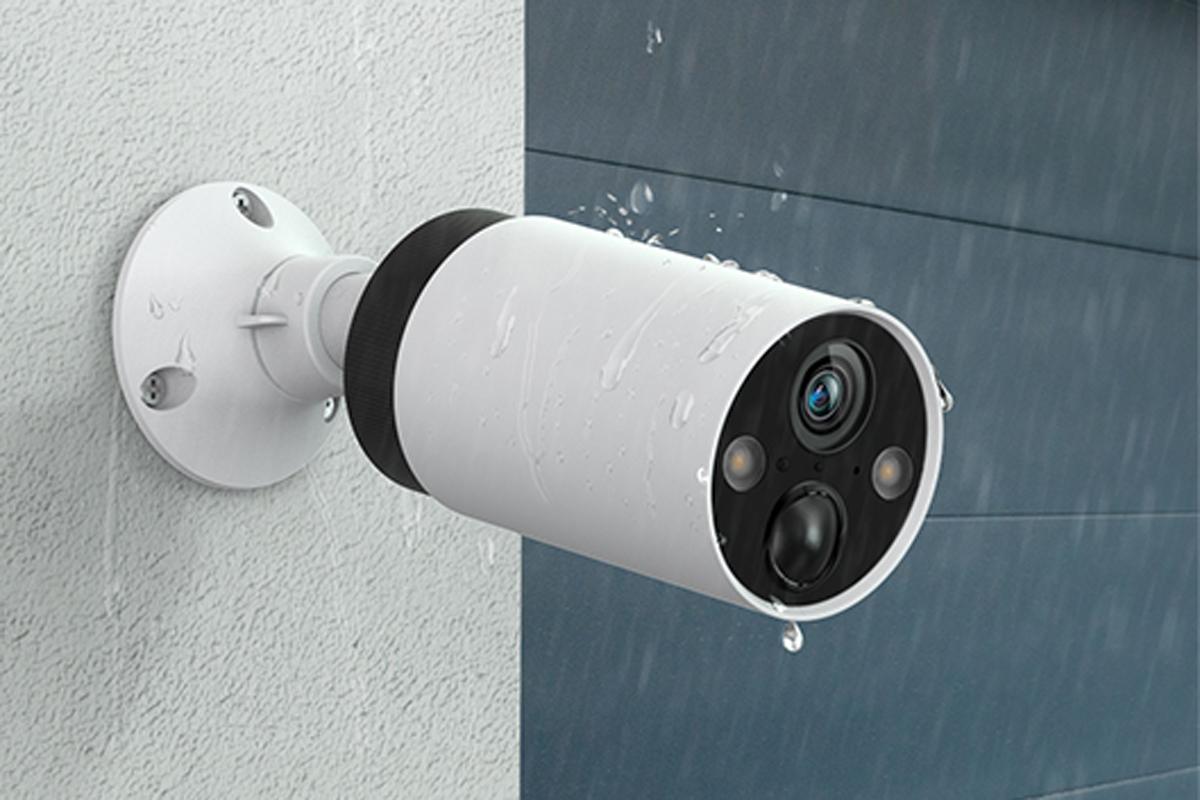
These cameras then streamed at 2K QHD quality, providing clear video content.
Tapo has also equipped the cameras with a Starlight Sensor and full-colour night vision, letting us see the feed in low-light conditions. Additionally, each camera has two lights that can be activated for added visibility – and work together with a built-in speaker as an alarm to scare off intruders.
All recordings are then saved onto a microSD card in your Tapo H200 hub. Alternatively, you can sign up for Tapo Care for an affordable monthly fee and save your videos to the cloud.
This cloud service also lets you use AI technologies, such as the ability to identify people, pets, and vehicles, and notify you accordingly.
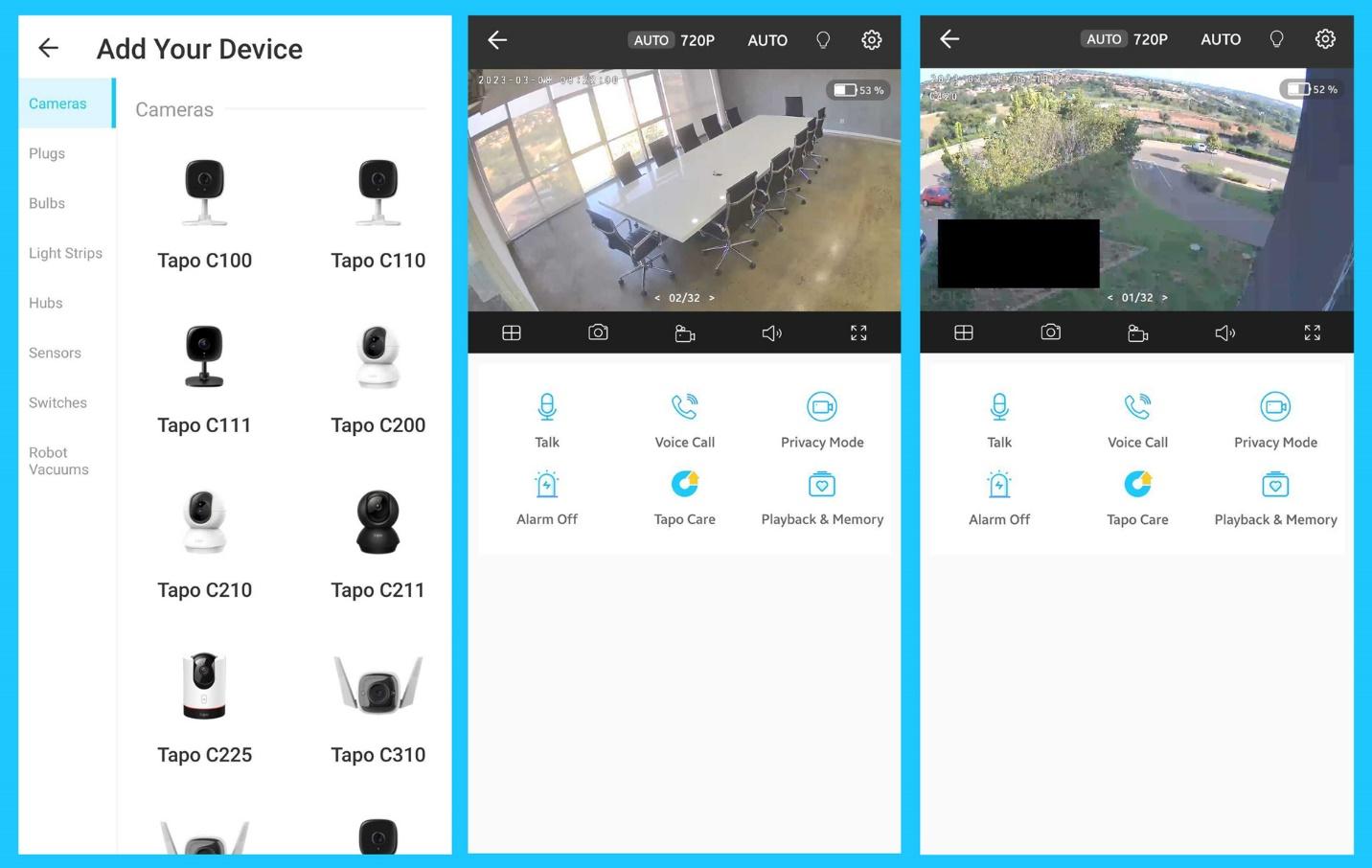
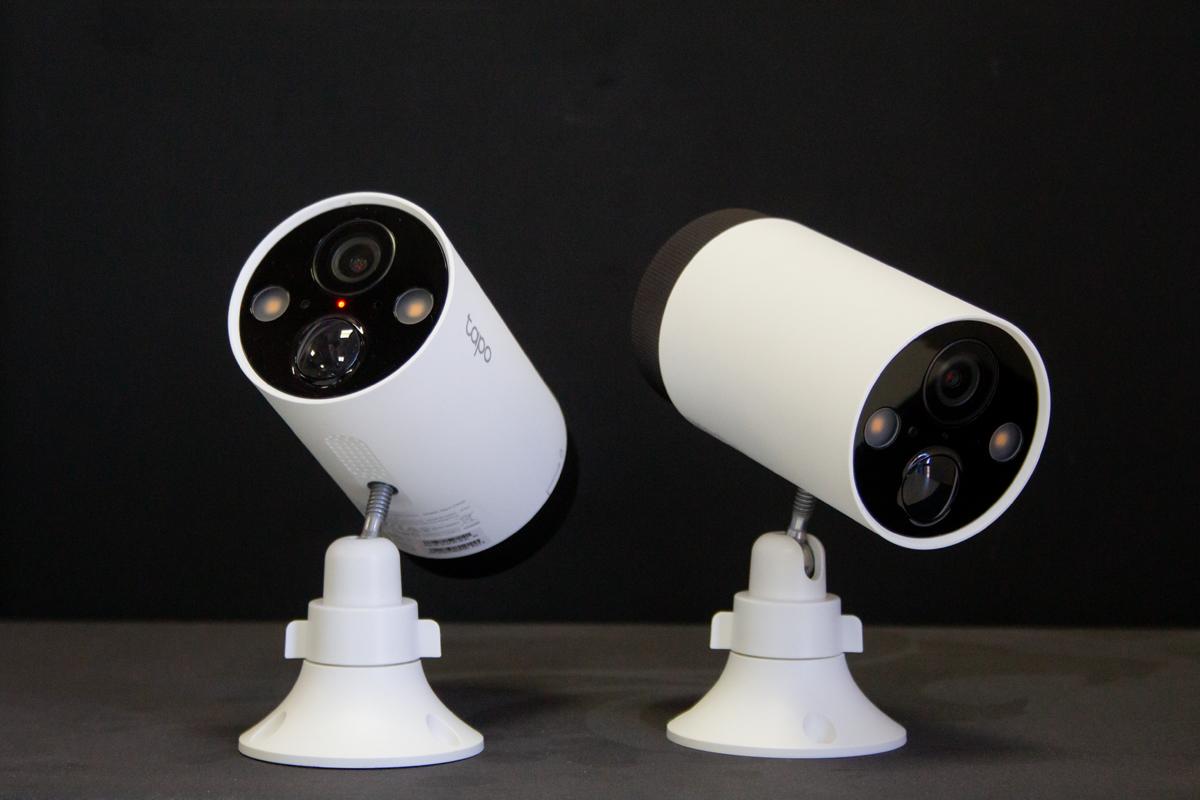
Tapo IoT ecosystem
As part of Tapo’s drive to enable IoT ecosystems, each camera has a microphone and a speaker built in – allowing two-way communication.
We tested this functionality by using a Tapo camera and S200B smart button as a connected doorbell.
To make the button work as a doorbell, we connected it wirelessly to our Tapo H100 smart hub, which conveniently has built-in chime noise functionality.
Visitors could then press the button at our gate, and we could use our outdoor camera to see who was there.
Then, we could talk to them through the Tapo app, which projected our voice through the speaker on the camera and used its microphone to complete the two-way channel communication.

We also synchronised the Tapo T100 smart motion sensor and the Tapo T110 smart contact sensor to our Tapo H100 smart hub.
The smart contact sensor can be used to alert you if a door or window is opened unexpectedly and is a great way to check if you closed all the windows when a sudden storm rolls in while you are at work.
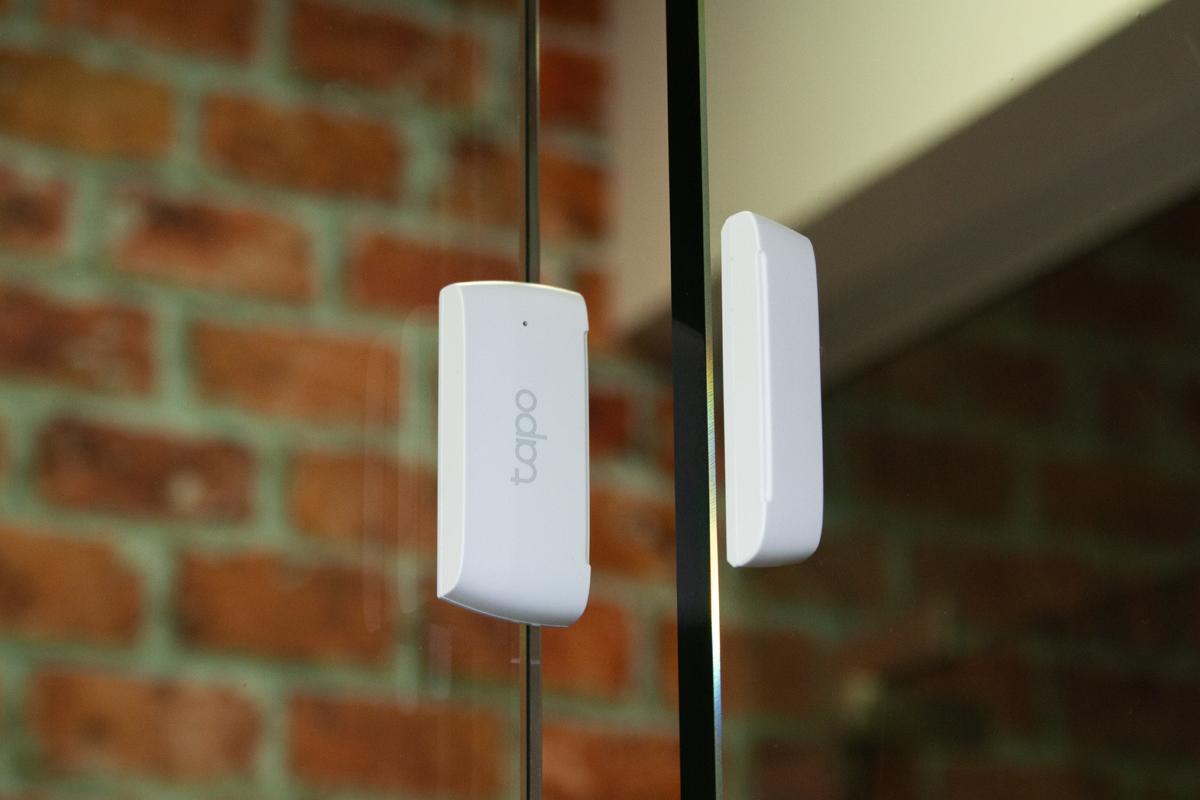
The motion sensor can then be used as a movement alert to activate an alarm or to trigger an action, such as automatically switching a light on when you step into a room.
Overall verdict
I spent several days testing the wide range of features and intricacies of Tapo’s smart cameras and IoT ecosystem, and I was incredibly impressed.
If you are looking to buy a smart security system, this one is a top choice.
Click here to learn more about Tapo’s smart security cameras and IoT sensors
Subscribe to our daily newsletter
 Loading ...

Tapo’s smart security cameras and IoT devices tested – An impressive wireless system






 English (US)